|
Choose
Button from Gallery
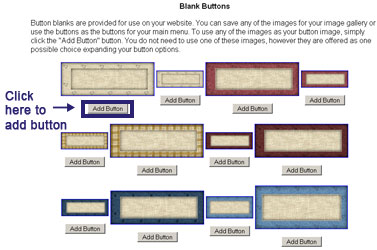
We provide over 3500 button
blanks that you can use on your website. You can use these with
both the pre-made templates and the layouts. Find the button you
like and then click on the Add Button button. Note:
you will still need to make the buttons so
they come up on your website. To do this, you will click on the Make Menu Button Images
link after adding the button.
Once you add the button, click
on the Page Properties icon at the top, scroll down to the Menu
Buttons section and click on the Make Menu Button Images
link. You will see your button in the Choose A Button Image or
Make A New One section. Note: If you do
not see the button, please refresh your page.
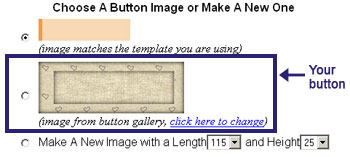
If you do not like this button,
you can click on the click here to change text link to return to
the button gallery.
|